
Worklyne brings clarity, structure, and momentum to modern teams. Plan, track, and execute work across your entire organization — all in one place.
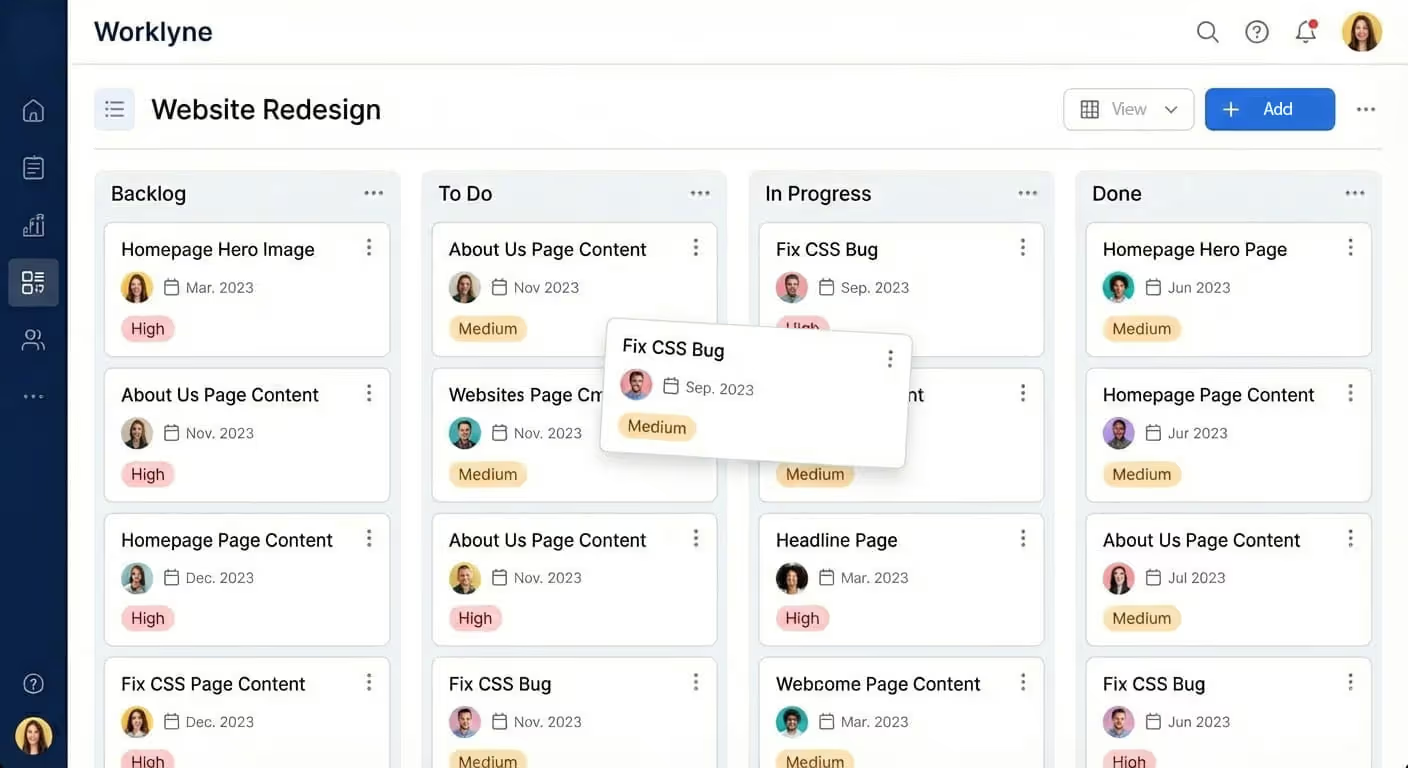


Worklyne combines planning, collaboration, automation, and insights into a single, flexible platform designed for how teams actually work today.
Track work across projects, teams, and timelines in one clear view. From kanban boards to progress indicators, everyone knows what’s moving, what’s blocked, and what’s done.
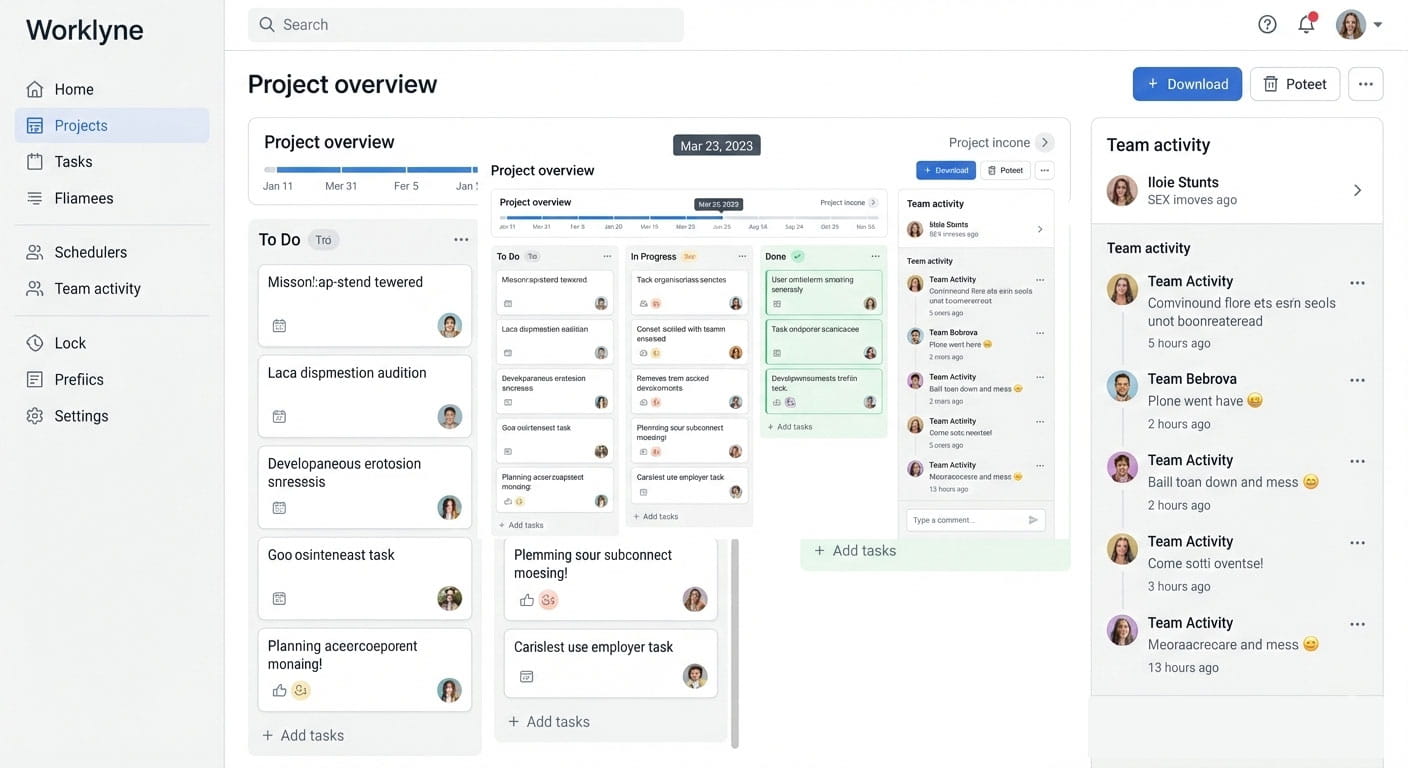
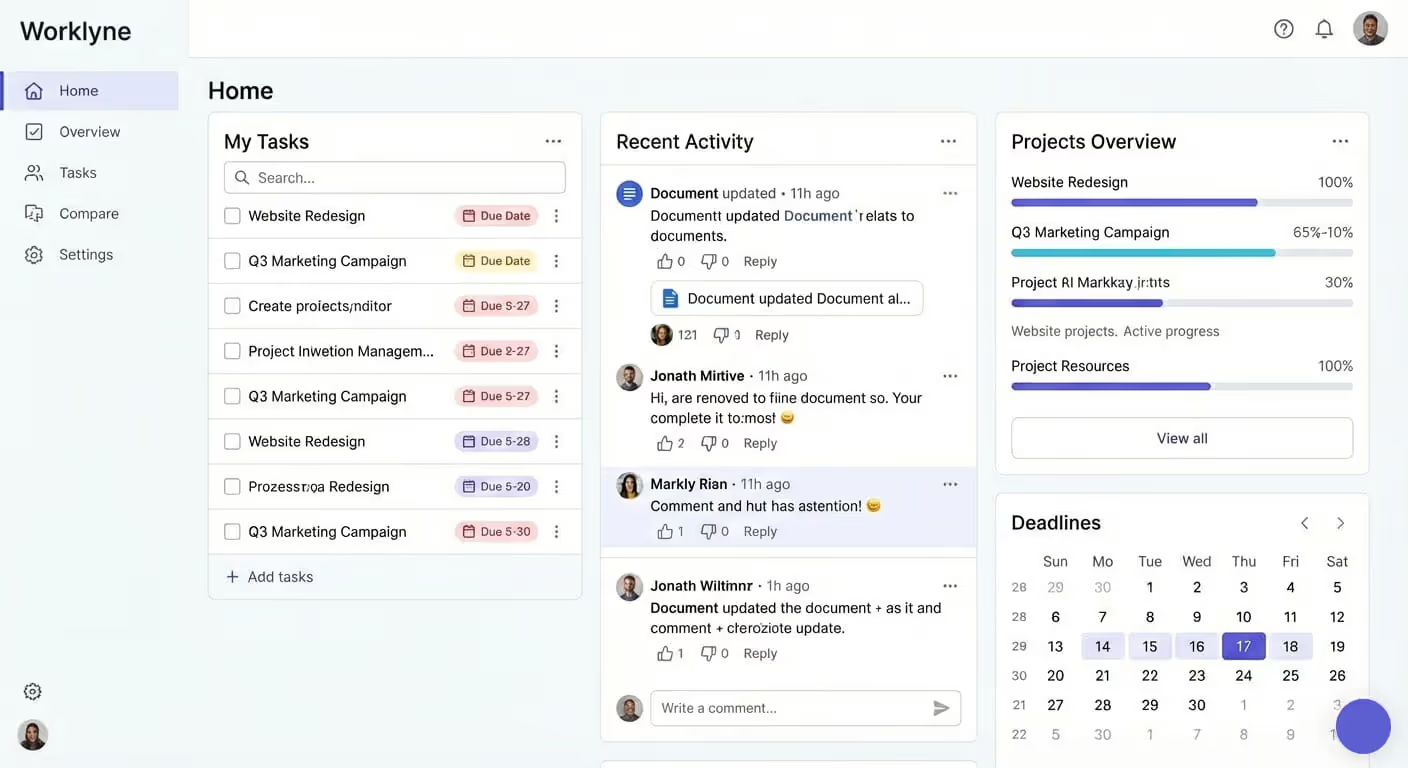
Your home dashboard brings together tasks, deadlines, and updates tailored to you. No digging, no noise — just a clear list of what needs attention now.
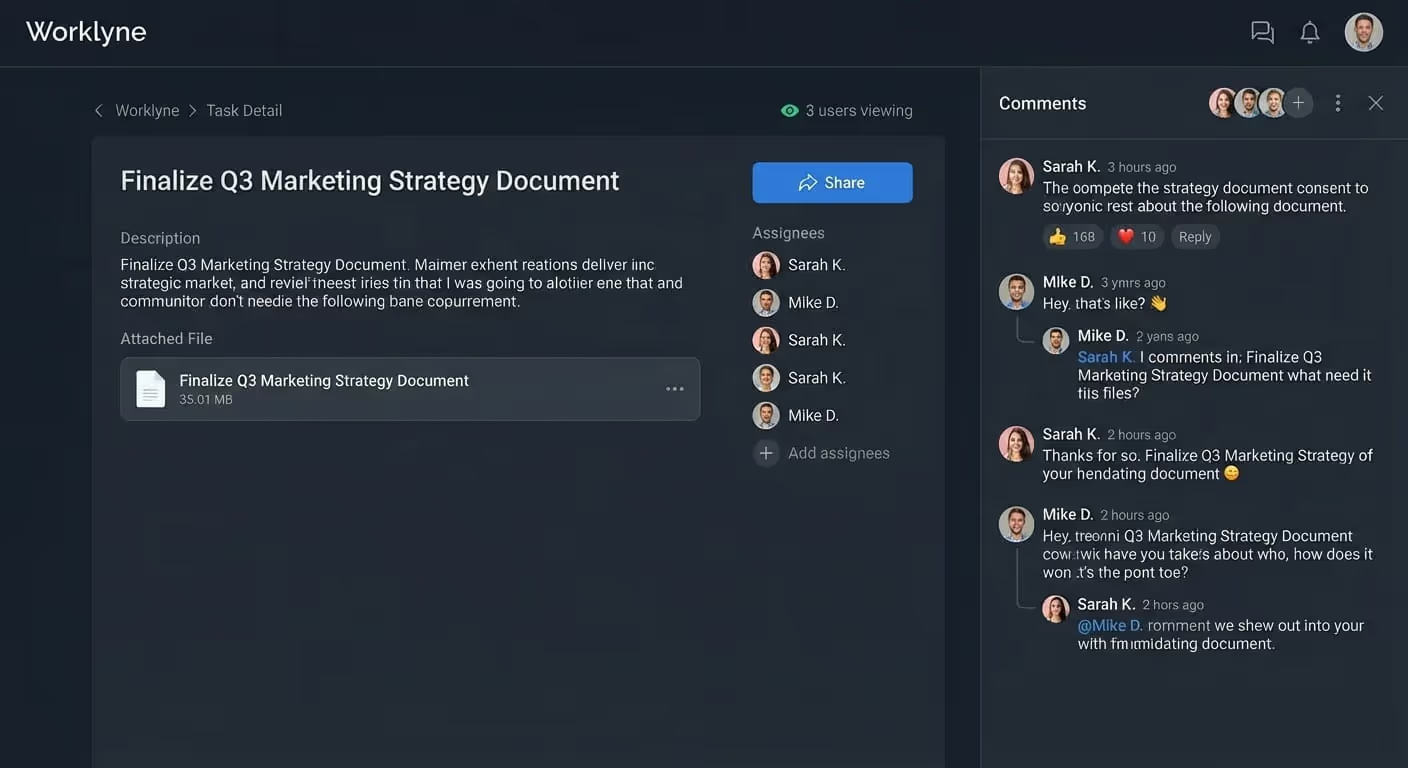
Comments, files, and feedback live directly inside each task. Keep discussions tied to the work itself, so nothing gets lost across tools or threads.
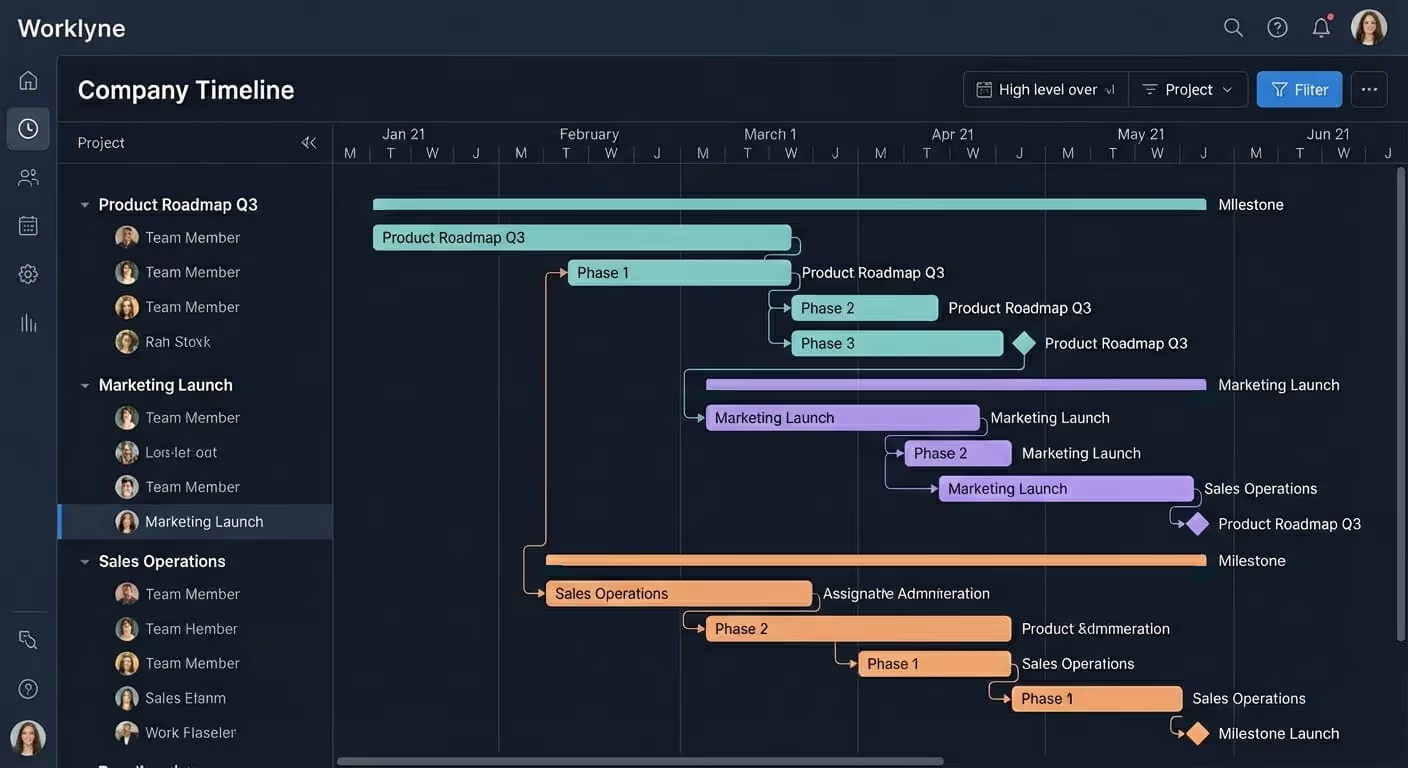
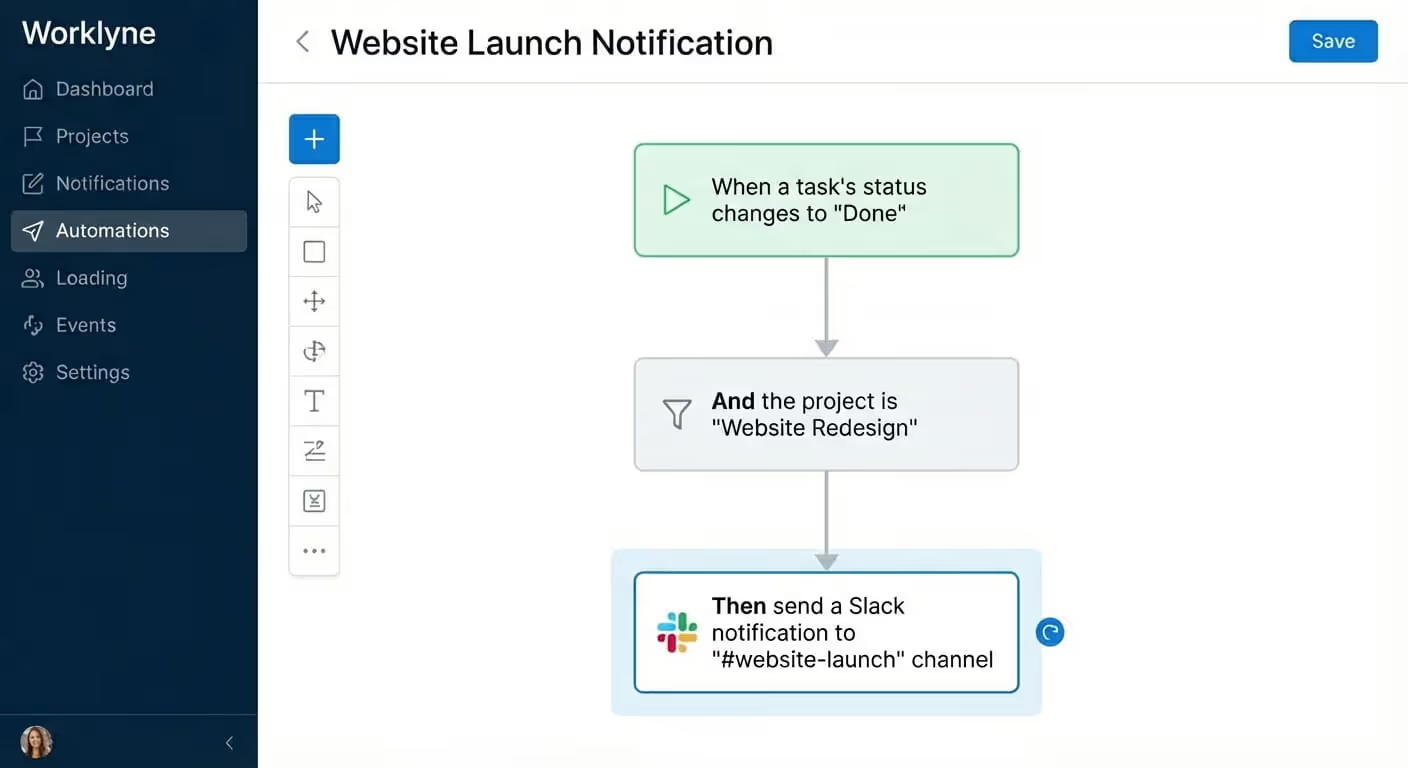
Automate repetitive workflows and trigger actions based on status changes, conditions, or deadlines — so your team can focus on real work.
Organize work into clear tasks and priorities. Assign ownership, track progress, and make sure nothing slips through the cracks.
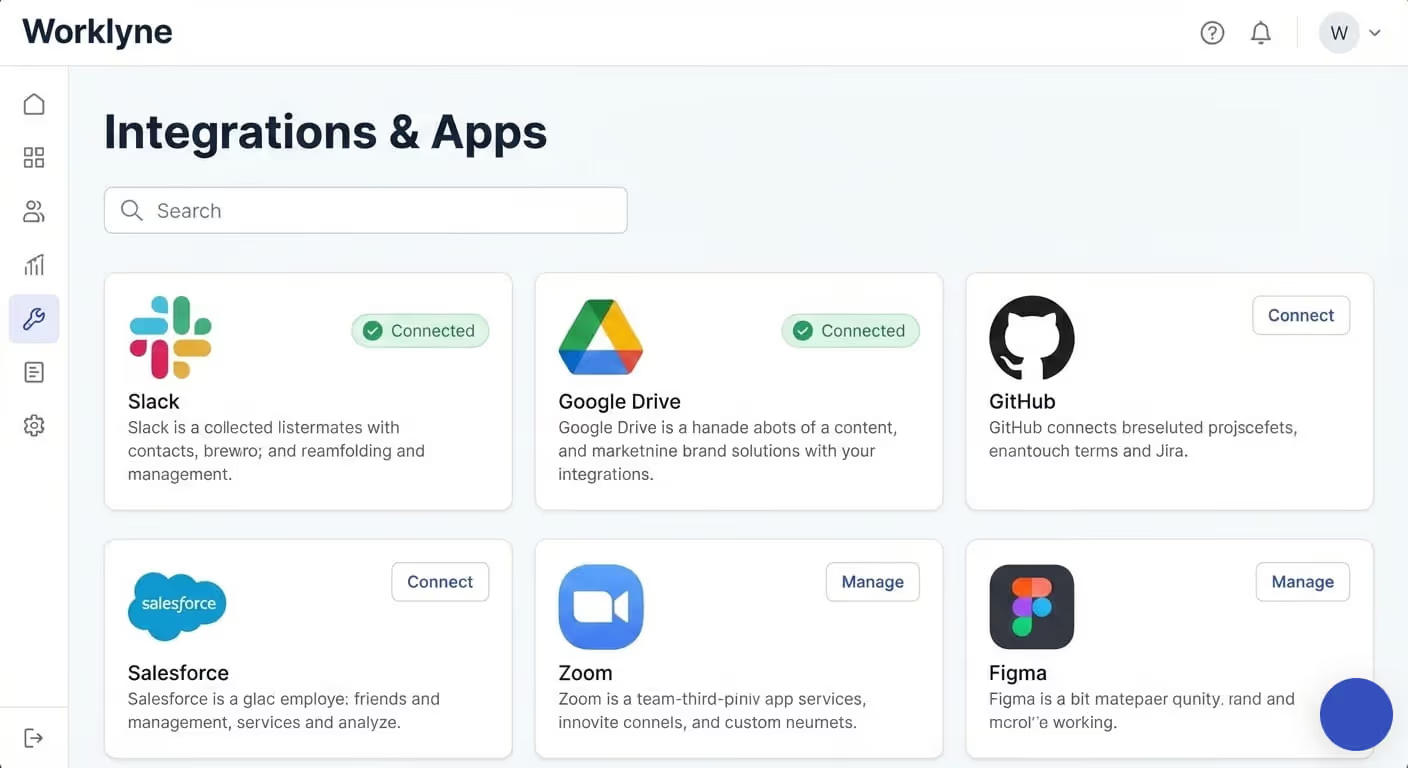
Connect Worklyne with the tools you already use. Sync data across your stack and keep everything flowing seamlessly.
We’re a small team of designers, engineers, and operators building tools we always wanted to use ourselves.



.jpg)


Worklyne is opinionated around execution, not just documentation or task tracking. It connects planning, delivery, and operational data into a single system, so teams don’t have to stitch together workflows across multiple tools. Less configuration, more forward motion.
Worklyne is designed for cross-functional teams that need shared visibility: product, engineering, operations, marketing, and leadership. It’s especially effective for teams that have outgrown lightweight task tools but don’t want the overhead of complex enterprise systems.
Both. Many teams use Worklyne as their primary system of record for planning and execution, while integrating with existing tools like Slack, GitHub, or CRMs. The goal is to reduce tool sprawl, not force an all-or-nothing switch on day one.
Worklyne supports multiple views (list, board, timeline) and adapts to different team workflows without heavy customization. You can model structured processes without turning the product into a configuration project.
Permissions are role-based and granular. Teams can control who can view, edit, or manage work at both the workspace and project level, making it suitable for growing teams with different responsibility levels.
Yes. While it’s powerful under the hood, the interface is designed to be approachable for non-technical users. Most teams are productive within their first session, without training or onboarding calls.
Worklyne uses a per-seat pricing model with transparent tiers based on team size and feature needs. There are no hidden setup fees or mandatory contracts for standard plans.
Worklyne follows industry-standard security practices, including encrypted data at rest and in transit. Infrastructure is designed to scale securely as teams and data grow.